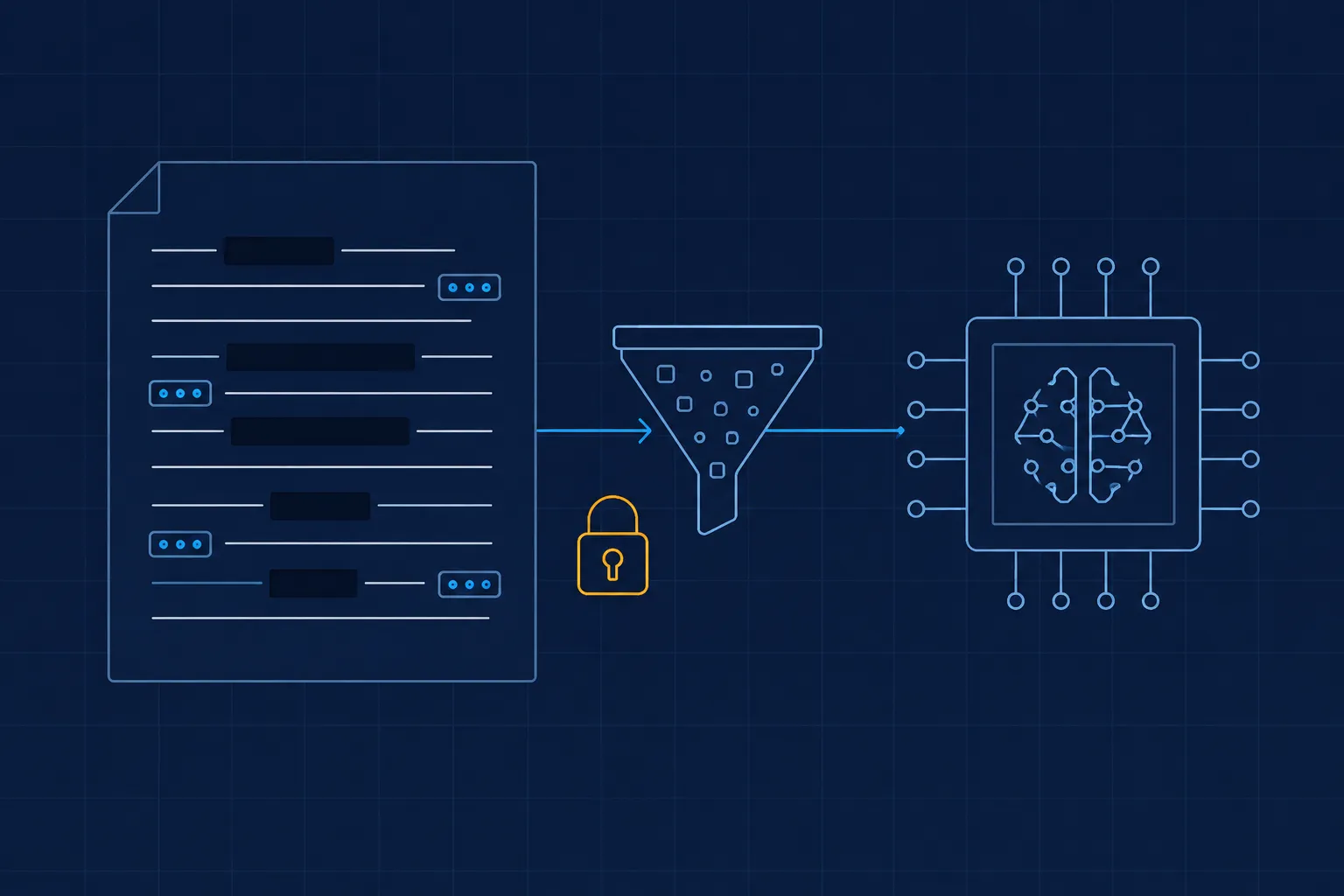
To redact personal information before it reaches an LLM, map every field your workflow sends, delete the ones the task does not need, then run a detector that swaps the rest for placeholders before the API call. SwiftBiz's regex-plus-checksum redactor caught 100 of 110 seeded identifiers in our test on November 25, 2026; all ten misses were names, which need an NER library.
SwiftBiz builds AI workflows for Canadian businesses from Mississauga, Ontario, and this is the redaction layer we design for the front of a model when a workflow touches customer, patient or employee records. Below: the seven steps, a comparison of four detection tools checked against their own documentation on November 21, 2026, a short redaction function you can paste into an n8n Code node, our test results, and the vendor retention settings that decide what happens to anything you miss.
Why does PIPEDA expect you to redact before the prompt?
Because sending a model more personal information than the task needs is hard to square with two PIPEDA principles. Schedule 1 of PIPEDA, clause 4.4.1, says "Organizations shall not collect personal information indiscriminately," and clause 4.7 requires "security safeguards appropriate to the sensitivity of the information."
The Office of the Privacy Commissioner (OPC) is more direct in its principles for generative AI (December 2023): "Where possible and reasonable, use anonymized or de-identified information within prompts to a generative AI system rather than personal information." The OPC's safeguards page adds a practical tip: make sure information "that has no relevance to the transaction is either removed or blocked out when providing copies of information to others." An LLM API is one of those others.
Redaction does not replace consent, a vendor agreement or a retention schedule. Our PIPEDA-compliant AI automation checklist covers those. This post is the technical control that sits inside the workflow.
What do you need before you start?
You need four things:
- A list of every workflow that calls an LLM, with its trigger and the vendor it calls.
- Sample inputs for each one: real emails, forms or transcripts, copied into a secure test folder.
- Somewhere to run code next to the workflow: an n8n Code node, a small cloud function, or a container on your own server.
- A named owner who signs off on what the model is allowed to see.
Step 1: Which personal fields does each workflow actually send?
List every field that ends up in the prompt, including the free-text ones. The risk sits in free text: a customer types their SIN into a "notes" box, or a call transcript includes a credit card read aloud.
Use one row per workflow: trigger, structured fields sent, free-text fields sent, vendor, purpose. A lead-routing workflow needs the service requested and the region; it rarely needs a full street address or a date of birth.
Step 2: Can you drop the field instead of redacting it?
Yes, and you should try that first. A field you never send cannot leak. The OPC's limiting collection guidance says to "limit the amount and type of information you collect to what is needed for the identified purposes."
In practice, build the prompt from an allowlist of fields rather than passing the whole record. Replace a postal code with the first three characters (the forward sortation area) if the model only needs a region. Replace a birth date with an age band. Only the free text that genuinely needs the model goes on to step 3.
Step 3: Which detector should catch what is left?
Use a pattern-plus-checksum layer for structured identifiers and a named-entity (NER) layer for names and addresses. Regular expressions cannot find "Priya Sharma" in a sentence.
Social Insurance Numbers and payment card numbers both carry a Luhn check digit, which cuts false positives sharply. Here is the core of the redactor we tested, written for an n8n Code node or any Node.js function:
const luhn = (s) => {
  const d = s.replace(/\D/g, '');
  let sum = 0;
  for (let i = 0; i < d.length; i++) {
    let n = +d[d.length - 1 - i];
    if (i % 2) { n *= 2; if (n > 9) n -= 9; }
    sum += n;
  }
  return sum % 10 === 0;
};

// Order matters: email, then card, then SIN, then phone, then postal code.
const RULES = [
  ['EMAIL',  /\b[\w.+-]+@[\w-]+\.[\w.-]+\b/g, () => true],
  ['CARD',   /\b(?:\d[ -]?){12,18}\d\b/g, (m) => luhn(m)],
  ['SIN',    /\b\d{3}[ -]?\d{3}[ -]?\d{3}\b/g, (m) => !/^[08]/.test(m) && luhn(m)],
  ['PHONE',  /(?<!\d)(?:\+?1[ .-]?)?\(?[2-9]\d{2}\)?[ .-]?[2-9]\d{2}[ .-]?\d{4}\b/g, () => true],
  ['POSTAL', /\b[ABCEGHJ-NPRSTVXY]\d[ABCEGHJ-NPRSTV-Z] ?\d[ABCEGHJ-NPRSTV-Z]\d\b/gi, () => true],
];

function redact(text) {
  for (const [type, re, ok] of RULES) {
    text = text.replace(re, (m) => (ok(m) ? `[${type}]` : m));
  }
  return text;
}
In an n8n Code node set to Run Once for All Items, paste the function above and end the node with a return, here for a field named text:
return $input.all().map((item) => {
  item.json.text = redact(String(item.json.text ?? ''));
  return item;
});
The SIN rule skips numbers starting with 0 or 8, which Presidio's documentation notes are reserved and not issued. The postal code rule leaves out the letters Canadian postal codes never use (D, F, I, O, Q, U, plus W and Z in the first position).
Know what these patterns miss and what they over-redact. A SIN written with dots (123.456.782) and a postal code written with a hyphen (K2P-1L4) pass through untouched. A nine-digit CRA business number that passes the Luhn check is redacted as a SIN, and a ten-digit order number that looks like an area code and exchange is redacted as a phone number. Add separators or context rules for the formats your own data uses.
For names and addresses, add an NER layer. Four options, and whether each one recognizes Canadian identifiers out of the box:
| Tool | Type | Canadian SIN entity | Other Canadian entities | Source |
|---|---|---|---|---|
| Presidio | Open source, self-hosted (started at Microsoft, now community-owned) | CA_SIN (pattern, context and checksum) | CA_POSTAL_CODE | Presidio supported entities |
| Amazon Comprehend | Cloud API, English and Spanish text | CA_SOCIAL_INSURANCE_NUMBER | CA_HEALTH_NUMBER | AWS PII entity types |
| Google Cloud Sensitive Data Protection | Cloud API | CANADA_SOCIAL_INSURANCE_NUMBER | OHIP, BC PHN, Quebec HIN, passport, driver's licence, bank account | Google infoType reference |
| Azure AI Language PII | Cloud API | CASocialInsuranceNumber | Health service number, passport, driver's licence, bank account | Azure PII entity categories |
For a small business that wants nothing leaving its own server before redaction, choose Presidio in a container, because the text is cleaned before any third party sees it. For Ontario health numbers specifically, Google Cloud is the only one of the four that lists an OHIP entity by name. A cloud detector also sees the raw text, so it needs the same vendor review as the LLM.
Step 4: Should you pseudonymise or redact?
Pseudonymise when the output has to reach the right person; redact when it does not. Irreversible redaction replaces "Priya Sharma" with [NAME] and the original is gone. Reversible pseudonymisation replaces it with [NAME_1] and stores the pair in a token map that never goes to the model.
A support-reply workflow needs pseudonymisation: the model drafts "Hi [NAME_1], your appointment on [DATE_1]…", and a step after the LLM swaps the real values back in before a human reviews it. A workflow that summarizes call trends for a weekly report needs plain redaction, because nobody downstream needs the names.
Keep the token map in your own database or the workflow's encrypted variables, scoped to one run, and delete it when the run finishes. Treat pseudonymised text as personal information: you hold the key that re-identifies it. The OPC also tells organizations to "avoid prompting a generative AI system to re-identify any previously de-identified data," so never send the map, or a hint about it, to the model.
Step 5: Where does the redactor go in an n8n or Make workflow?
Directly after the trigger and before the first node that calls a model, with no branch that can skip it. If a workflow has three LLM calls, all three read from the redacted copy.
In n8n, the Guardrails node has a Sanitize Text operation that replaces PII and secret keys with placeholders. Its entity examples include CREDIT_CARD, EMAIL_ADDRESS, PHONE_NUMBER and US_SSN; for SINs and postal codes, add Custom Regex patterns, which use the pattern's name as the placeholder. Or put the function above in a Code node. In Make, call your redaction service (for example, a self-hosted Presidio container) through an HTTP module placed right after the trigger.
The order we use: trigger, field allowlist, redactor, LLM call, re-identification (if pseudonymised), human review for anything sensitive, then the write to your CRM or inbox. Our n8n AI automation guide covers the rest of that build.
Step 6: How do you test the redactor?
Build a seeded test set where you know every identifier, run the redactor over it and count. Precision is the share of redactions that were real identifiers. Recall is the share of real identifiers that got redacted. For privacy, recall matters more: a missed SIN is a disclosure, while an over-redacted work order is an annoyance.
We ran the function above over 140 synthetic sentences containing 110 identifiers on November 25, 2026. The sentence set and the script are in the repository's docs/research folder, so the run can be repeated:
| Entity | Seeded | Caught | False positives | Missed |
|---|---|---|---|---|
| SIN | 20 | 20 | 5 | 0 |
| Card number | 20 | 20 | 1 | 0 |
| Phone (incl. messy formats and E.164) | 25 | 25 | 0 | 0 |
| Postal code | 25 | 25 | 0 | 0 |
| 10 | 10 | 0 | 0 | |
| Person name | 10 | 0 | 0 | 10 |
| Total | 110 | 100 | 6 | 10 |
In that run the regex layer reached 94.3% precision and 90.9% recall. Five of the six false positives were nine-digit work-order numbers we seeded to pass the Luhn check, the exact case a checksum cannot catch; the sixth was a 16-digit part number that passed the check by chance. All ten misses were names. Synthetic data is cleaner than real inboxes, so this is not a benchmark.
Two rules follow. Never ship a redactor with only the regex layer if free text can contain names. And add every real miss you find in production to the test set, then re-run it before each change, the same way we test a chatbot before launch.
Step 7: What should you log, and what does the LLM vendor keep?
Log the redaction, not the data: run ID, timestamp, entity types and counts found, detector version. Never log the raw input or the token map in the same place as the prompt, or your log becomes the leak.
Then set the vendor side, because anything the redactor misses lands there:
- OpenAI API. OpenAI's data controls page says API data has not been used for training since March 1, 2023 unless you opt in, and abuse monitoring logs are kept for up to 30 days by default. Zero Data Retention and Modified Abuse Monitoring need OpenAI's prior approval.
- Anthropic API. Anthropic's retention article says API inputs and outputs are deleted within 30 days, except for features like the Files API, a zero data retention agreement, usage-policy enforcement or legal requirements; flagged content can be kept for up to 2 years. Its training article says commercial inputs and outputs are not used for training by default, unless you submit feedback.
PIPEDA clause 4.5.3 says information no longer needed "should be destroyed, erased, or made anonymous," so match your own log retention to the same logic.
If you would rather have this layer designed, tested and documented for you, SwiftBiz's AI Readiness Audit ($3,500 CAD, credited toward your retainer) can be scoped to include a map of your workflows that flags every place personal information reaches a model. Book an AI Readiness Audit, or see how we build AI workflow automation with redaction in place from the first workflow.
What usually goes wrong?
- Attachments skip the redactor. A PDF goes straight to the model while only the email body gets cleaned. Extract and redact the text first.
- Logs keep the original. The workflow tool's execution history stores the raw trigger payload. In n8n, check what execution data you save and for how long.
- The model re-creates what you removed. Ask it to "write to the customer at their address" and it may invent one. Re-identify only from your token map, never from model output.
- Context gives the person away. "The only female electrician in Thunder Bay" identifies someone with no name in the text. Redaction cuts direct identifiers; it does not make data anonymous.
- When redaction is not enough. For health records, minors' data or anything where one miss would be serious, keep that data out of LLM workflows altogether or add a human check before every call.