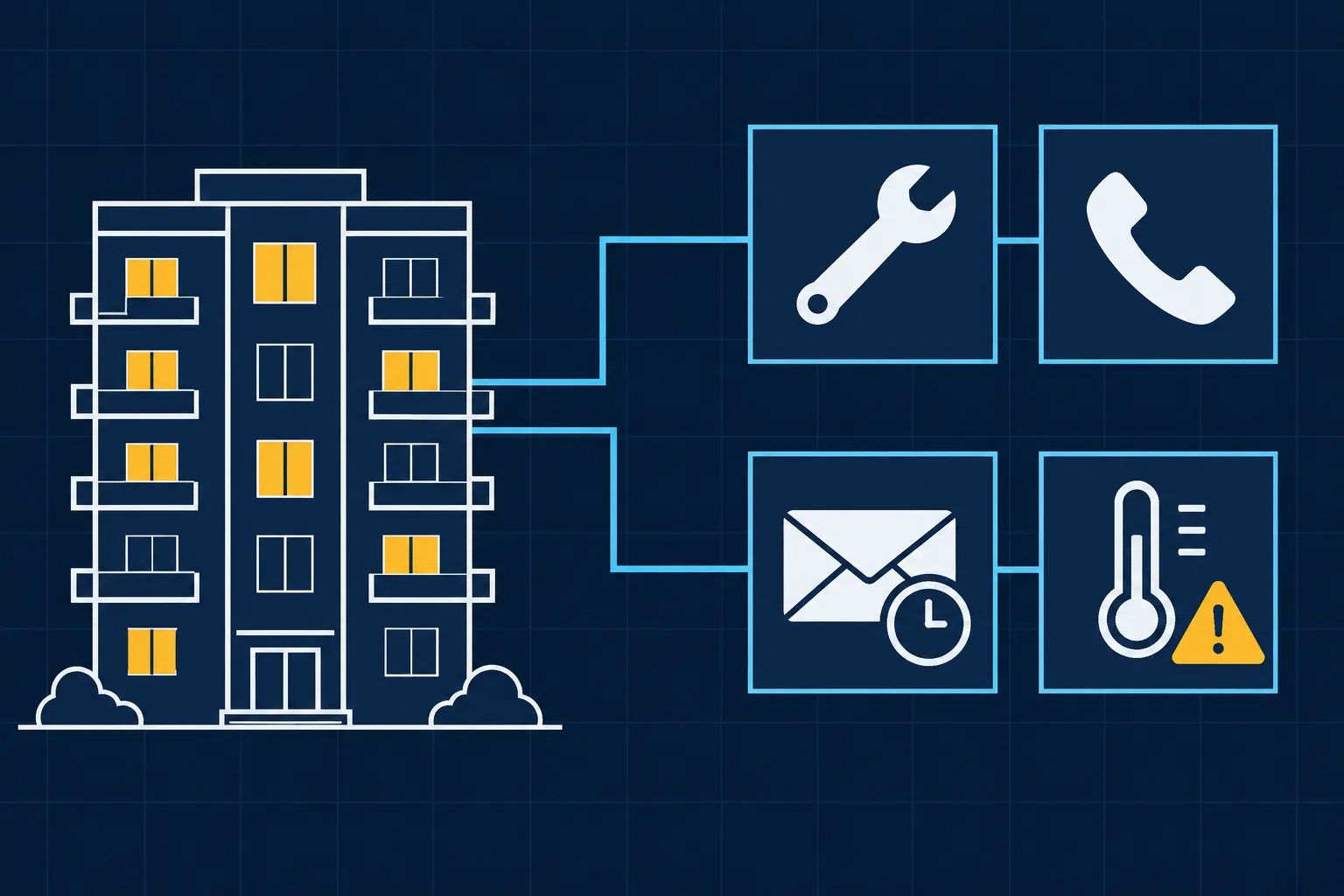
AI for property management in Ontario works best on the intake side: answering tenant calls and chats 24/7, sorting a no-heat or flood call from a dripping tap, booking the vendor and drafting the Residential Tenancies Act's 24-hour entry notice for a person to send. SwiftBiz builds these workflows with a target of 20+ hours of office time saved per week.
SwiftBiz builds voice, chat and workflow automation for Canadian businesses, and our founder Harry spent 10+ years as a senior SDET testing software. For this guide we read the Residential Tenancies Act, 2006 and its regulations on Ontario's e-Laws site against a property manager's daily workload. Below: where the time goes, the step-by-step workflow, a triage matrix, what it costs, the software it connects to, and the parts we would never automate.
Where does an Ontario property manager lose time and revenue?
In three places: phone and inbox intake, entry scheduling, and rent follow-up. Each is repetitive, time-sensitive and governed by rules.
Maintenance intake. Under section 20 of the Residential Tenancies Act, a landlord must keep the complex "in a good state of repair and fit for habitation." Section 21 says a landlord shall not withhold "the reasonable supply of any vital service," which the Act defines as "hot or cold water, fuel, electricity, gas or, during the part of each year prescribed by the regulations, heat." A no-heat call at 11 p.m. in January is not a ticket for Monday.
Heat in particular. Ontario Regulation 516/06, section 4 prescribes September 1 to June 15 as the period when heat is a vital service, and requires a room temperature of "at least 20 degrees Celsius" measured 1.5 metres above the floor and one metre from exterior walls. Municipal by-laws can be stricter: the City of Toronto requires a minimum of 21°C from October 1 to May 15 where the owner pays for heat.
Vacancies. CMHC's 2025 Rental Market Report release (December 11, 2025) put Toronto's purpose-built vacancy rate at 3%, "the first time since the pandemic," and the national rate at 3.1%, up from 2.2% in 2024. More vacancies mean more showing requests and weekend inquiries that go to voicemail.
What does the AI maintenance workflow look like, step by step?
Here is the build we scope for an Ontario portfolio. A voice agent answers the phone line and a chat agent answers the tenant portal or website, and both feed one queue.
- Answer and identify. The agent answers on the first ring, day or night, confirms the caller's name, building and unit against the rent roll, and states that it is an automated assistant.
- Safety screen first. Before anything else it asks the danger questions: gas smell, fire, smoke, sparking, water near electrical panels. For any yes, it tells the tenant to leave and call 911 or the gas utility, then pages the on-call manager. It never troubleshoots a gas or fire issue.
- Triage. It classifies the request with the matrix below: emergency, urgent or routine.
- Dispatch emergencies. For an emergency, it calls the on-call vendor from your approved list, keeps calling down the list until someone accepts, texts the tenant an ETA and logs every attempt with timestamps. Entry without written notice is allowed "in cases of emergency" under section 26.
- Schedule routine work and draft the notice. For non-emergency repairs, it offers vendor slots between 8 a.m. and 8 p.m. only, then drafts the written notice of entry for staff to review and send.
- Create the work order. It writes the ticket into your property management system with photos the tenant uploaded, the triage reason and the entry notice attached.
- Close the loop. After the visit, it asks the tenant to confirm the fix and reopens the ticket if they say no.
The SwiftBiz triage matrix for Ontario rentals
| Category | Examples | Response target we configure | Who acts |
|---|---|---|---|
| Life safety | Gas smell, fire, smoke, sparking outlet | Immediate: 911 or gas utility, then on-call manager | Tenant and emergency services; AI only routes |
| Emergency | No heat Sept 1 to June 15, active flood or leak, no hot or cold water, no power, sewer backup, exterior door or lock that won't secure | Vendor dispatched in under 1 hour | On-call vendor; manager notified |
| Urgent | Fridge or stove out, only toilet clogged | Next business day | Vendor booked with 24-hour notice |
| Routine | Dripping tap, sticking closet door, cosmetic damage | Batched within 7 days | Vendor booked with 24-hour notice |
The response targets are our default configuration, not legal deadlines. You set them, and your insurer or by-law may set tighter ones.
How does AI handle Ontario's 24-hour notice of entry?
It drafts the notice, and a person sends it. Section 27(1) lets a landlord enter "in accordance with written notice given to the tenant at least 24 hours before the time of entry" for reasons that include "to carry out a repair or replacement or do work in the rental unit." Section 27(3) says the notice "shall specify the reason for entry, the day of entry and a time of entry between the hours of 8 a.m. and 8 p.m."
That gives the automation three fields to fill and two rules to enforce. Our builds block any vendor slot that starts outside 8 a.m. to 8 p.m., refuse a slot less than 24 hours after the notice can be delivered, and require the reason field before the draft reaches staff.
How the notice is given matters too. Section 191(1) lists handing it to the person, handing it to an apparently adult person in the unit, leaving it in the mailbox, mailing it, or "any other means allowed in the Rules." Confirm with your legal adviser whether email counts for your tenants before an automation sends notices by email alone, and allow extra time for mail.
What can AI do with rent reminders and LTB forms?
It can send friendly reminders before the due date and draft a rent ledger. It should not serve an N4 on its own. Two changes in 2026 make this a bad place to improvise:
- Section 59(1) now lets a landlord give a notice of termination for unpaid rent "effective not earlier than the 7th day after the notice is given," amended by 2025, c. 14, Sched. 12, in force September 21, 2026. Many templates and blog posts still say 14 days.
- Ontario Regulation 308/26 says that notice "shall be in version 1 of the form titled 'Notice to End Your Tenancy Early for Non-payment of Rent (N4)'," available on the Landlord and Tenant Board's website.
Our rule: AI fills the N4 fields from the ledger (amount owing, periods, termination date calculation) and flags it for a person, who checks it against the LTB's current form and serves it. A wrong amount or date can cost you weeks at the Board.
The same split applies to leases. AI document processing can pull rent, term, deposit, parking and utility terms out of signed Ontario Standard Leases and flag missing signatures; a person approves each extracted record.
Should AI screen tenant applications?
No. Use AI to book showings and collect complete applications, and keep the decision with a person. The Ontario Human Rights Commission's guidance for landlords lists receipt of public assistance, family status, age, disability and other grounds as protected, says "a lack of rental or credit history should not be viewed negatively," and says income information must be considered "together with any available information" on rental history and credit. The same OHRC brochure says "it is illegal to apply a rent-to-income ratio such as a 30% cut-off rule."
A scoring model trained on past approvals can encode exactly those patterns. Our showing agent answers unit questions, books a slot, sends the application link and checks the file is complete. It never ranks, rejects or recommends an applicant.
Privacy applies across the whole build. The Office of the Privacy Commissioner of Canada says landlords must comply with PIPEDA and "should not collect more information than they need for the stated purpose." Call recordings, unit photos and application files are personal information, so the agent says what it records and why, and data stays in your systems on a retention schedule you set.
What does it cost, and when does it pay back?
SwiftBiz starts every engagement with the AI Readiness Audit at $3,500, credited toward your retainer. Ongoing builds run on monthly retainers of $4,500, $9,000 or $20,000; the pricing page lists what each tier includes. All prices are in Canadian dollars (CAD). Our target is 20+ hours saved per week and a first production workflow live in 4 to 8 weeks.
Here is the arithmetic we use in an audit. Take a manager whose office spends 12 hours a week answering and logging maintenance calls, 5 hours on entry notices and vendor scheduling, and 4 hours on rent reminders and follow-up. That is 21 hours a week, or about 1,090 hours a year. With automation on intake, drafting and scheduling, and staff on review and service, the build is designed to return most of those hours and catch after-hours emergencies that would hit voicemail.
Illustrative example. The figures show what this build is designed to achieve, not a measured client result.
If you want those numbers run against your own call logs, book an AI Readiness Audit and we will map your intake, notice and rent workflows before you commit to a build.
Which property management software does it connect to?
Three widely used platforms all offer integration routes, with different gates:
- Buildium publishes a RESTful Open API with endpoints to create and update work orders. Its developer portal notes that "you must have a Premium Subscription" to use it.
- AppFolio connects third parties through its Stack partner program, which gives approved partners "developer tools and sandbox environment" access after a security compliance questionnaire.
- Yardi runs an interfaces program that "requires an annual license fee per interface." Its Standard Interface Partnership requires a vendor to be two years old with at least three active Voyager clients, so smaller Yardi shops often integrate through email-to-ticket or exported reports instead.
On the phone side, the voice agent runs on your existing number through call forwarding. See our AI voice agents service for how the call handling works.
Who is this not for?
Skip a build if you manage fewer than about 20 units yourself and answer your own phone: a good answering service and a shared calendar cost less. Skip it if your vendors won't accept automated dispatch calls or texts, because the emergency path depends on them. And skip it if you want the AI to make screening or eviction decisions; we won't build that.
For residential portfolios with a steady flow of tenant calls, choose AI intake with human review. For brokerages focused on sales leads rather than tenancies, our guide to AI automation for real estate teams and our real estate page cover that workflow instead.