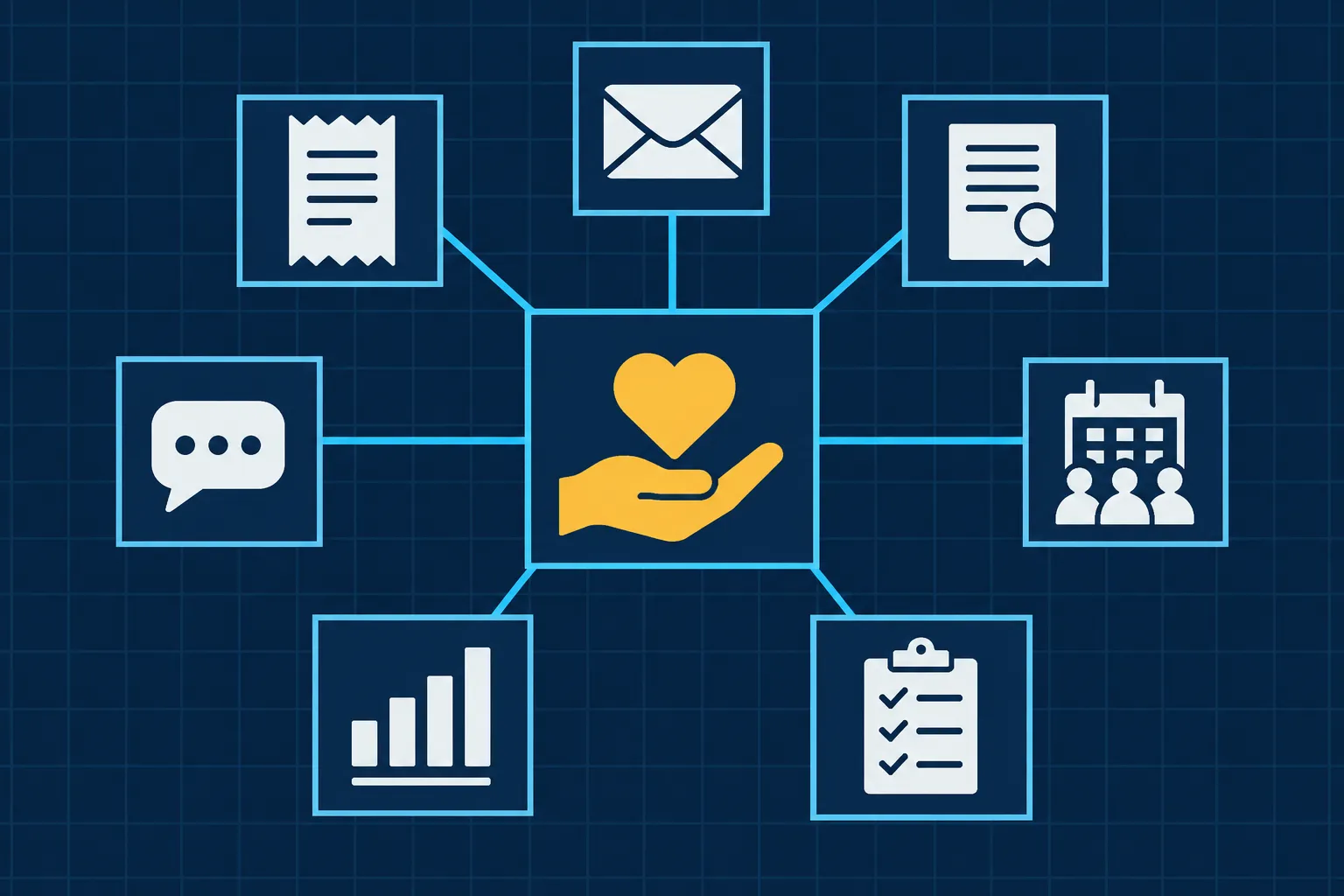
The AI workflows worth funding at a Canadian nonprofit are the repetitive back-office ones: donor receipts, thank-you emails, grant drafts, volunteer schedules, intake triage, board summaries and an inquiry chatbot. Imagine Canada's January 2026 study found 80% of nonprofits use AI in some way, most often for communications and fundraising. SwiftBiz covers these seven below, with the human check each one still needs.
SwiftBiz builds AI automation for Canadian organizations and publishes its own prices, so the scoping notes below are ours: what each workflow involves and where a person has to stay in the loop. Below: quick picks, how we chose, one section per workflow with the rule or risk that shapes it, the vendor discounts we could verify on official pages, and when automation is not worth the money.
Which AI workflow should a Canadian nonprofit automate first?
Start with the job that eats the most staff hours and has the clearest right answer. For many charities that is receipting or donor thank-yous; for service agencies it is often intake.
- Best for a charity issuing hundreds of tax receipts: donor receipt generation (workflow 1)
- Best for a small fundraising team: donor thank-you emails (workflow 2)
- Best for organizations that live on grants: grant application drafting (workflow 3)
- Best for volunteer-heavy programs: volunteer scheduling (workflow 4)
- Best for food banks, shelters and settlement agencies: intake triage (workflow 5)
- Best for executive directors: board report summaries (workflow 6)
- Best for organizations whose phones and inboxes repeat the same questions: an inquiry chatbot (workflow 7)
The sector is big enough for this to matter. Statistics Canada's non-profit satellite account put non-profit institutions at 8.4% of Canada's nominal GDP in the fourth quarter of 2024, and 2.1% once hospitals, universities and other institutions serving government are taken out.
How did we choose these seven workflows?
Each workflow had to pass three checks. We call this the Mission Hours Test: the task repeats weekly or more, an AI draft can be checked by a person in less time than writing it from scratch, and a mistake can be caught before it reaches a donor, client or regulator.
| # | Workflow | What AI does | What a person keeps | Risk if it goes wrong |
|---|---|---|---|---|
| 1 | Donor receipts | Matches gifts to donors, flags missing fields | Signing authority, advantage and fair market value calls | High: CRA receipting rules |
| 2 | Thank-you emails | Drafts a personal note per gift | Approval of tone and any ask | Medium: CASL and donor trust |
| 3 | Grant drafts | First draft from your past applications | Facts, budgets, outcomes | Medium: wrong numbers to a funder |
| 4 | Volunteer scheduling | Fills shifts, sends reminders | Who works with vulnerable people | Low to medium |
| 5 | Intake triage | Sorts requests by urgency and program | Eligibility and every crisis case | High: vulnerable clients |
| 6 | Board summaries | Condenses reports into a briefing | What the board is told | Low |
| 7 | Inquiry chatbot | Answers hours, locations, how to give | Anything personal or urgent | Medium |
This table is our own framework, not a survey result. Nobody paid to be included, and SwiftBiz does not rank itself here.
1. Can AI generate CRA donation receipts?
AI can prepare receipts, but your donor or receipting system should issue them. The Canada Revenue Agency's page on what must be on an official donation receipt lists the required elements for a cash gift, including:
- a statement that it is an official receipt for income tax purposes
- the charity's name and address as on file with the CRA, and its registration number
- a unique serial number, the place the receipt was issued, and the date issued
- the date or year the gift was received
- "the full name, including middle initial, and address of the donor"
- the amount of the gift, the amount and description of any advantage, and the eligible amount
- the signature of an authorized individual, and the name and website address of the CRA
The same page says the information "must be readable and not easily altered", and non-cash gifts also need a description and, if appraised, the appraiser's name and address. That is why we design this workflow so the AI only matches gifts to donor records, spots a missing middle initial or address, and flags any gift with an advantage (a gala dinner, say) for a person. The serial number and the receipt itself come from your receipting system, never from a language model.
2. Do AI thank-you emails need consent under CASL?
It depends on whether you are a registered charity and what the email is for. Section 6 of Canada's Anti-Spam Legislation requires consent, sender identification, contact information and an unsubscribe mechanism for a commercial electronic message. Section 3(g) of the Electronic Commerce Protection Regulations says section 6 does not apply to a message "sent by or on behalf of a registered charity as defined in subsection 248(1) of the Income Tax Act and the message has as its primary purpose raising funds for the charity."
Two limits follow from that wording. It covers registered charities, not every nonprofit, and it covers messages whose primary purpose is fundraising. An email that mainly promotes a sponsor's offer is a different message. Our default build keeps an unsubscribe link and a named sender on every donor email anyway, because it costs nothing and donors expect it. The AI drafts a note that mentions the program the gift supported; a staff member approves it before it sends.
Want to know which of these seven fits your organization first? An AI Readiness Audit maps your current process and costs $3,500 CAD, credited toward your retainer.
3. Can AI write grant applications?
AI can write a solid first draft, not a finished application. Feed it your last three successful applications, your logic model and the funder's guidelines, and it can draft the narrative sections in the funder's word limits. A person must check every number, outcome and partner name, because a model will happily fill a gap with a plausible figure. Imagine Canada's 2026 AI adoption study found 67% of nonprofits use AI for communications and fundraising, so this is where most teams already start. For funding your own AI project, our guide to AI grants and funding in Canada covers what is actually open.
4. How does AI volunteer scheduling work?
An AI scheduler reads availability from a form or text reply, fills open shifts, sends reminders and offers a dropped shift to the next volunteer on the list. It runs on the tools you already pay for, such as Google Sheets or Microsoft 365, through an automation platform. The human rule: anyone placed with children or vulnerable adults is confirmed by a coordinator who can see screening status. Keep screening records out of the AI's reach.
5. Can AI triage intake for service programs?
Yes, as a sorter, not a decider. The AI reads a web form, email or voicemail transcript, tags the request by program and urgency, and routes it to the right queue with a summary. Every crisis signal goes straight to a person, and eligibility decisions stay with staff. Intake data is some of the most sensitive information a nonprofit holds, so check which privacy law applies to you before building; our post on PIPEDA-compliant AI automation walks through the questions.
6. Can AI summarize board reports?
This is the lowest-risk workflow on the list. The AI reads the month's finance report, program dashboards and committee notes and drafts a two-page briefing with the decisions the board needs to make. The executive director edits it before it goes out. It saves time every month without touching donors or clients.
7. Is an AI inquiry chatbot worth it for a charity?
It is worth it when the same questions repeat: hours, locations, how to donate, how to volunteer, where to drop off goods. A chatbot trained only on your own pages answers those day and night and hands anything personal or urgent to staff. It is not worth it when most inquiries are people in distress; those need a phone line answered by a person.
What does an automated receipt workflow save?
SwiftBiz scopes workflow 1 with simple arithmetic: a charity issuing 1,200 receipts a year at about 4 minutes each spends 80 staff hours on receipting. With AI matching and flagging, and a person spending about 1 minute reviewing each receipt, that drops to 20 hours, or 60 hours a year back for program work.
| Our scoping model | Manual receipting | AI-prepared, person-reviewed |
|---|---|---|
| Receipts per year | 1,200 | 1,200 |
| Staff minutes per receipt | about 4 | about 1 (review only) |
| Staff hours per year | 80 | 20 |
| Who issues and signs | Receipting system, authorized signer | Receipting system, authorized signer |
Illustrative example. The figures show what this build is designed to achieve, not a measured client result.
Which nonprofit discounts on AI tools can Canadian charities get?
Four vendors publish nonprofit offers, each with its own eligibility check. As listed on their official pages on November 21, 2026 (prices in USD where shown):
| Vendor | Offer on the official page |
|---|---|
| Microsoft | Microsoft 365 Business Premium 75% off for eligible nonprofits; the Copilot add-on at a 15% discount; Copilot Chat included in all Microsoft 365 plans |
| Google Workspace for Nonprofits at $0 USD per user per month; Business Standard at $3.50 USD per user per month on a one-year commitment | |
| OpenAI | Up to a 75% discount on ChatGPT Business or Enterprise (updated February 6, 2026), through sales |
| Anthropic | Claude for Nonprofits: up to 75% off Team and Enterprise plans, plus connectors to Blackbaud, Candid and Benevity |
"Up to" means the discount you get depends on the vendor's eligibility rules and plan, so apply before you budget. SwiftBiz does not run a separate nonprofit discount; our rates are on the pricing page, in CAD.
When isn't AI automation worth it for a nonprofit?
Skip it, or wait, in these cases:
- Under about 100 receipts or gifts a year. A good template and a mail merge will do.
- No written process. If two staff members receipt gifts differently, fix the process first; automation copies confusion faster.
- No AI policy. In the same Imagine Canada study, only 10% of nonprofits had a formal AI policy. Write a one-page policy on what data AI may see before connecting donor or client records.
- Your work is mostly crisis support. Put the money into people answering phones.
For a charity with steady gift volume, choose receipting first; for a service agency with a long intake queue, choose intake triage first. Our target for a first production workflow is 4 to 8 weeks. For more patterns from named businesses, see our list of AI automation examples, or read how we build AI workflow automation.