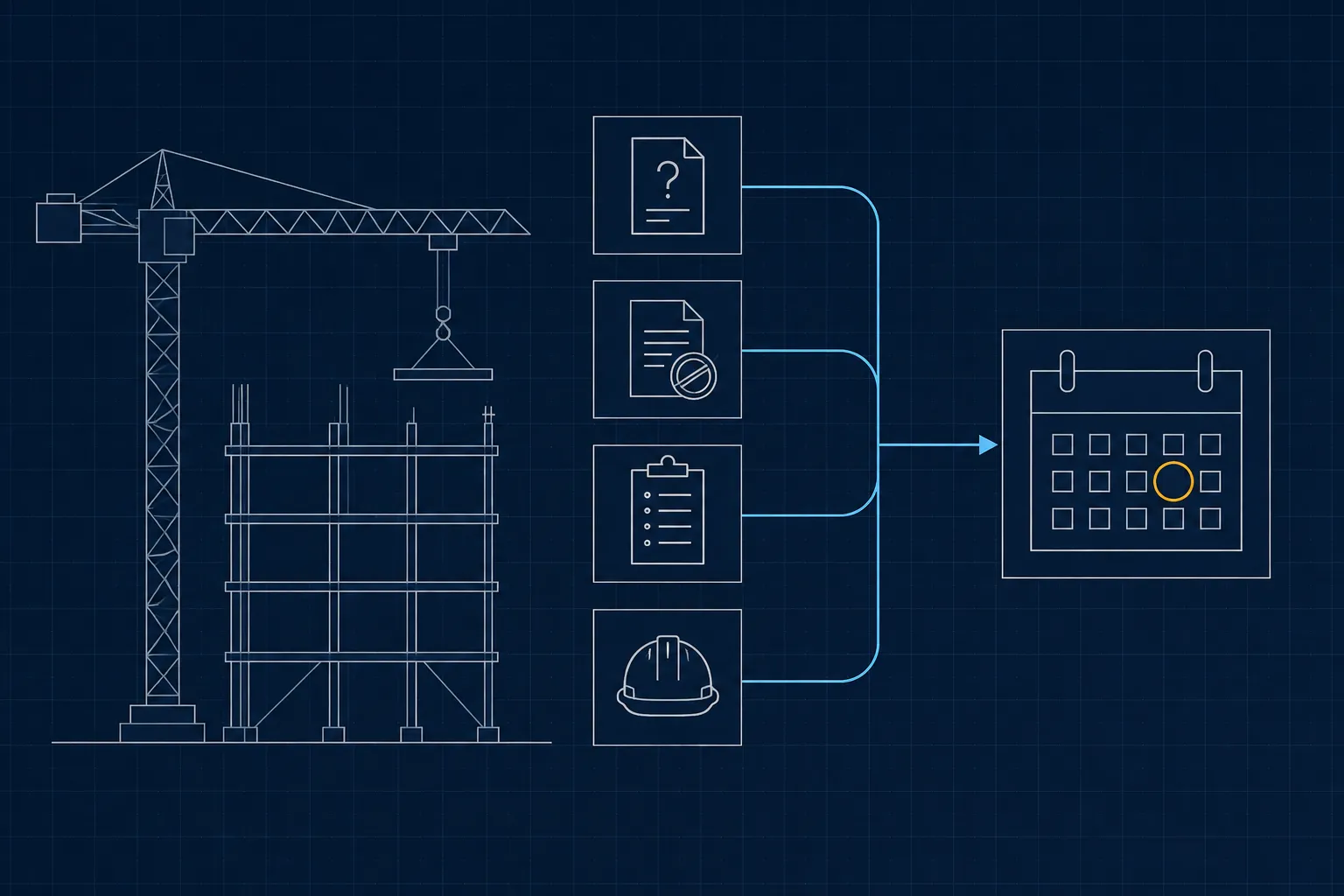
AI for construction companies in Ontario drafts RFIs, tracks submittals, turns photos and voice notes into daily logs, reads subcontractor invoices and calendars the Construction Act's 7-, 14- and 28-day prompt payment deadlines. SwiftBiz builds these workflows with a person signing every notice, targeting 20+ hours saved per week and a first production workflow in 4 to 8 weeks.
How we know: SwiftBiz builds document and workflow automation for Canadian small and mid-size firms, and for this guide we read Part I.1 (prompt payment) and Part IV (holdback) of Ontario's Construction Act on e-Laws, current to November 18, 2026, against a general contractor's weekly paperwork. Below: where the time goes, the six workflows step by step, a worked deadline calendar, costs, tools, and who should not bother.
Where does an Ontario construction firm lose time and money?
Mostly in documents that move slower than the work. Statistics Canada reports that across Canada investment in building construction was $23.2 billion in June 2026, up 5.7% year over year, and $70.0 billion for the second quarter. That money moves through RFIs, submittals, change orders, daily reports and invoices, which often start as an email, a PDF or a photo on a superintendent's phone.
The costly part is that Ontario attaches hard deadlines to some of those documents. Under the Construction Act, a missed day is not just slow admin:
- An owner who wants to dispute a proper invoice must give a notice of non-payment "no later than 14 days after receiving the proper invoice" (s. 6.4(2)). Otherwise it must pay "no later than 28 days" after receipt (s. 6.4(1)).
- A contractor paid by the owner must pay each subcontractor "no later than seven days after receiving payment" (s. 6.5(1)).
- Since January 1, 2026, an invoice missing required details "is deemed to be a proper invoice" unless the owner flags the deficiency in writing "no later than seven days after receiving the invoice" (s. 6.1(2)). Older summaries that say a defective invoice never starts the clock predate this amendment.
- The holdback is "10 per cent of the price of the services or materials as they are actually supplied" (s. 22(1)), and section 26 now requires an annual release tied to each contract anniversary.
When those deadlines live in inboxes and spreadsheets, automation closes the gap: not the judgment, but the reading, logging and reminding.
Which construction paperwork can AI handle, step by step?
Six workflows cover most of the office load. Each one follows the same pattern from our human-in-the-loop AI workflows guide: the AI reads and drafts, a named person approves anything that leaves the company.
- RFI drafting and logging. A superintendent sends a photo and a voice note ("Grid C4, duct conflicts with beam, need direction"). The AI transcribes it, pulls the drawing and spec section references, drafts the RFI in your template, assigns the next number and a due date, and logs it. The project manager edits and sends.
- Submittal tracking. The AI reads the spec book's submittal requirements into a register, matches incoming shop drawings and product data to each line, and flags what is overdue against the schedule. It never marks a submittal approved; the consultant's stamp does that.
- Daily site logs from photos and voice notes. End-of-day voice notes, photos and the crew sign-in sheet become a structured daily log: weather, trades on site, headcount, work completed, deliveries, delays and safety observations. The super reads and signs it in two minutes instead of typing it at night.
- Subcontractor invoice processing. The AI extracts each invoice's fields, checks them against the commitment and the eight items section 6.1(1) lists for a proper invoice (contractor name and address, date and billing period, contract or PO reference, description and quantity, amount and payment terms, payee details, anything else the owner's AP system reasonably requests, and any prescribed information) and against any other requirements your contract specifies, which the same definition includes subject to s. 6.3(2), calculates the 10 per cent holdback, and queues it for approval. This is the same extraction pattern as our AI invoice processing guide.
- Bid and tender document extraction. A 300-page tender package becomes a one-page summary: closing date and time, bid bond and insurance requirements, mandatory site meeting, scope inclusions and exclusions, liquidated damages and payment terms. The estimator still prices the job.
- Safety form digitisation. Paper toolbox talks, hazard assessments and inspection checklists are photographed and turned into searchable records, with missing signatures or unchecked items flagged to the site supervisor the same day.
None of these needs a new site app: the inputs are what crews already send.
How can AI track Construction Act prompt payment deadlines?
It reads the receipt date off each proper invoice or payment and counts forward using the periods in Part I.1, then puts each date on the responsible person's calendar with an escalation two days before. It does not decide whether to dispute an invoice, and it does not send a notice of non-payment. Those notices must be "in the prescribed form and manner" and must detail "all of the reasons for non-payment" (s. 6.4(2)), which is a judgment for a person, often with counsel.
Here is the worked calendar SwiftBiz uses to test a deadline workflow. It assumes a proper invoice received by the owner on Monday, June 1, 2026, and given by the contractor the same day; no deadline in the example falls on a weekend or holiday.
| Event | Section | Deadline (example) | Who acts |
|---|---|---|---|
| Owner flags a deficient invoice in writing | s. 6.1(2) | June 8 | Owner |
| Owner gives notice of non-payment | s. 6.4(2) | June 15 | Owner |
| Owner pays undisputed amount | s. 6.4(1) | June 29 | Owner |
| Contractor pays subs after receiving payment (say, June 26) | s. 6.5(1) | July 3 | Contractor |
| Contractor passes on its own notice after an owner notice given June 15 | s. 6.5(7)(a) | June 22 | Contractor |
| Contractor pays subs if the owner neither paid nor gave notice | s. 6.5(4) | July 6 (35 days after giving the invoice) | Contractor |
Illustrative example. The figures show what this build is designed to achieve, not a measured client result.
Two details the workflow has to get right. First, a contractor's notice to subs that relies on owner non-payment must include "an undertaking to refer the matter to adjudication under Part II.1 no later than 21 days after giving the notice" (s. 6.5(5)), so the system opens a second 21-day clock the moment that notice goes out. Second, holiday and weekend rules can move a date, so every computed deadline carries a "confirm" flag until a person checks it the first few months.
For holdback, the system tracks each contract's anniversary. Under s. 26(3) the owner must publish a notice of annual release "not later than 14 days after the anniversary", then pay "at least 60 days but not later than 74 days" after that notice (s. 26(4)), and the contractor pays its subs "not later than 14 days" after receiving it (s. 26(5)). For contracts signed before the amendment took effect, s. 87.4(4) moves the first anniversary that counts, which is exactly the kind of date a lawyer should confirm once and the AI should then remember.
What does it cost, and when does it pay back?
All prices are in Canadian dollars (CAD). The usual starting point is the AI Readiness Audit at $3,500, credited toward your retainer, which maps your RFI, submittal, invoice and daily log flows and picks the first workflow. Ongoing builds run on monthly retainers of $4,500, $9,000 or $20,000 per month depending on how many workflows and integrations you need; each extra workflow is +$2,500/mo, and a searchable knowledge base over your specs and past projects is +$3,000/mo. See pricing for what each tier includes.
A rough way to test payback: if your project coordinators and supers spend 25 hours a week between them typing daily logs, logging RFIs and keying invoices, and the workflow removes 20 of those hours, that is about 1,000 hours a year back for site work and follow-up. Our target is 20+ hours saved per week and up to 90% fewer data-entry errors, with the first workflow in production in 4 to 8 weeks.
Illustrative example. The figures show what this build is designed to achieve, not a measured client result.
If you want to see which of your documents is the best place to start, book an AI Readiness Audit and bring one week of RFIs, invoices and daily reports.
Which tools does it connect to?
The workflows sit on top of what you already run. Procore's REST API exposes RFIs (a POST to the project's RFIs endpoint creates one), plus Submittals, Daily Log, Inspections, Incidents, Observations and Forms under its Project Management section, so drafts can land in Procore as records rather than as email. For firms not on Procore, the same outputs go to SharePoint or Google Drive folders, an Excel or Smartsheet register, and your accounting system for payables.
On the input side, we use OCR and large language models for extraction, speech-to-text for voice notes, and Outlook or Gmail for intake and reminders. The AI document processing service page covers how extraction and validation work, and our post on document processing accuracy explains what "up to 90% fewer errors" does and does not mean.
Who is this not for?
Skip it, or wait, if any of these fit:
- You run one or two jobs at a time and the owner reads every invoice anyway. A shared calendar and a good template will do.
- Your documents are not digital yet. If daily reports live in a paper binder that never leaves the trailer, start by getting photos and PDFs into one inbox.
- You want the AI to decide disputes. Whether to withhold payment, what reasons to give and when to go to adjudication through the Ontario Dispute Adjudication for Construction Contracts are decisions for a person and their lawyer. We build the reminder, never the decision.
- Your contracts predate October 2019. Section 87.3(4) says Parts I.1 and II.1 do not apply to contracts entered into, or procurements commenced, before the prompt payment provisions came into force, so the deadline calendar adds little there.
The decision rule: if you handle more than a handful of subcontractor invoices a month and have ever scrambled to meet a 7- or 14-day window, a deadline-and-invoice workflow is the first build. If your pain is site reporting, start with daily logs.