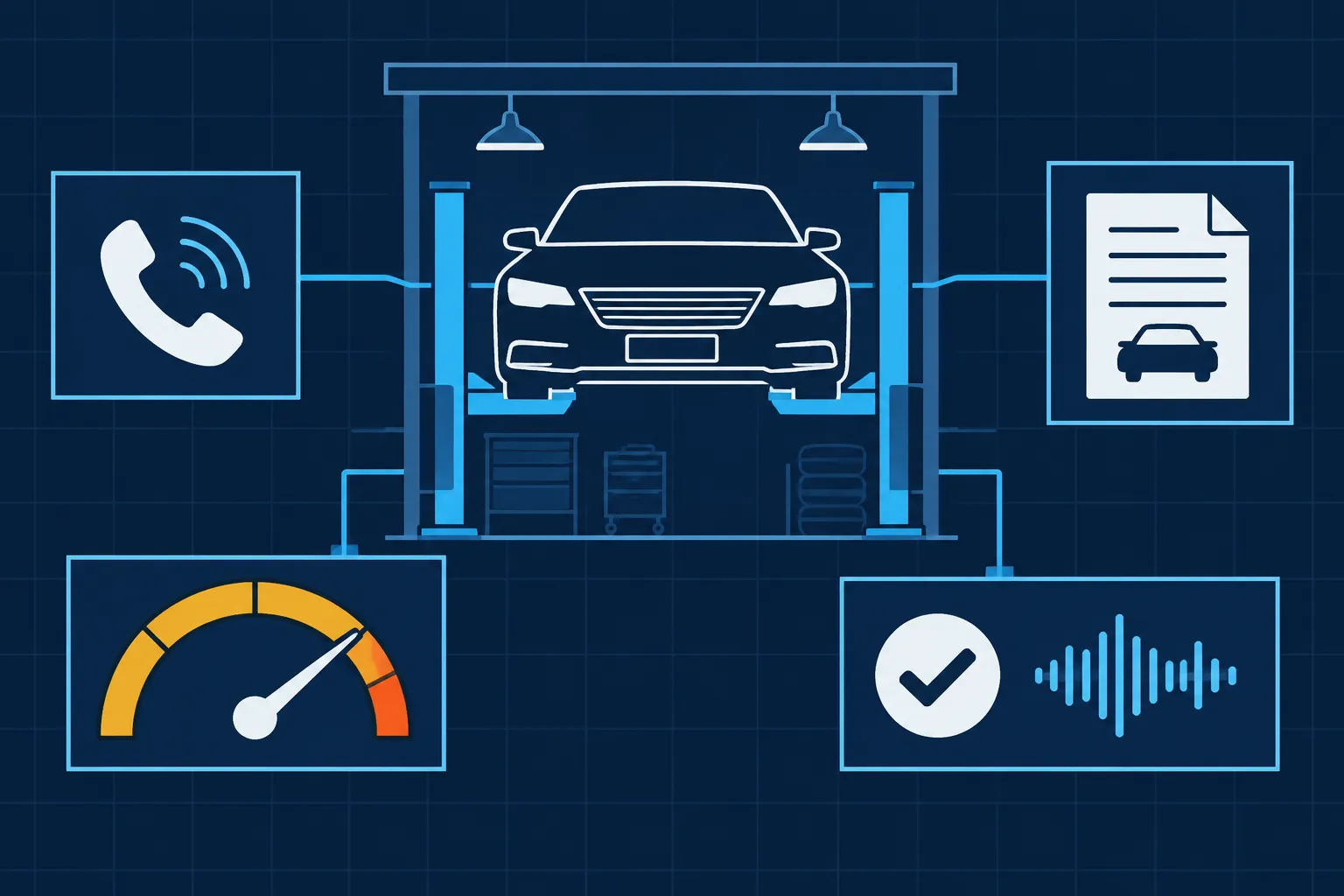
AI for auto repair shops in Ontario should answer calls, book jobs, text status updates, chase open estimates and read parts invoices, but never approve extra work. Ontario's Consumer Protection Act, 2002 caps charges at 10 per cent over the estimate and requires authorization that is in writing or recorded, so SwiftBiz builds the AI to capture approval requests and an advisor to record them.
We wrote this from the statute and regulation text on Ontario e-Laws, the shop management vendors' own API documentation, and Statistics Canada counts of Ontario repair shops, all checked on November 21, 2026. The sections below cover where shops lose time, the workflow step by step, the legal line the AI must not cross, cost, tools and who should skip it.
Which consumer protection act applies to Ontario repair shops on November 21, 2026?
The Consumer Protection Act, 2002 (CPA 2002) still applies. Ontario passed a replacement, the Consumer Protection Act, 2023, as Schedule 1 of Bill 142, which received Royal Assent on December 6, 2023. Section 120 of that schedule says it "comes into force on a day to be named by proclamation of the Lieutenant Governor" (Better for Consumers, Better for Businesses Act, 2023).
The only order in council listed against Bill 142, OIC 1025/2025, brings a single Consumer Reporting Act amendment into force on July 1, 2026, not the new CPA. The current CPA 2002 consolidation on e-Laws, with a currency date of November 18, 2026, carries the note that the act "is repealed on a day to be named by proclamation". So for now, motor vehicle repairs are governed by Part VI of CPA 2002 (sections 55 to 65) and Part VI of O. Reg. 17/05. The 2023 act lets the government set repair rules by regulation, so recheck when it is proclaimed.
What does the CPA require for estimates and authorizations?
Four rules in Part VI of the CPA 2002 and O. Reg. 17/05 shape any automation you put near an estimate:
| Rule | Where | What it says |
|---|---|---|
| Written estimate first | CPA s. 56(1); O. Reg. 17/05 s. 48 | "No repairer shall charge a consumer for any work or repairs unless the repairer first gives the consumer an estimate that meets the prescribed requirements." The estimate must be in writing with 15 listed items. Exception: the customer declines an estimate and authorizes a maximum amount (s. 56(2)) |
| Estimate fee disclosed | CPA s. 57 | A fee for an estimate needs advance notice of the fee and its amount, and is not charged if the work is authorized and carried out (with one exception in s. 57(4)) |
| Authorization and the 10% cap | CPA s. 58 | No charge unless the consumer authorizes the work, and no charge that "exceeds the estimate by more than 10 per cent" |
| Recording a non-written authorization | CPA s. 59; O. Reg. 17/05 s. 49 | An authorization not given in writing "is not effective unless it is recorded" with the person's name, the date and time, and their phone number (or contact details for another method) |
The estimate's 15 items in section 48 include the vehicle's make, model, VIN, licence number and odometer reading, an itemized parts list stating whether each part is new OEM, new non-OEM, used or reconditioned, the labour hours and rate, the total, the dates, and a statement that the shop will not charge more than 10 per cent over the total. The invoice under section 51 must later show the date the consumer authorized the work and the estimated total.
SwiftBiz's rule for these builds: the AI may collect, summarize and route a customer's approval request, but it never marks work as authorized. A named advisor confirms with the customer and writes the section 49 record, or the customer approves in writing.
Where does an Ontario auto repair shop lose time and revenue?
Most Ontario shops are small. Statistics Canada counted 8,889 employer establishments in automotive repair and maintenance (NAICS 8111) in Ontario in 2025, and 5,104 of them, about 57%, had fewer than five employees (ISED Canadian Industry Statistics). In a shop that size, the person answering the phone is often the person writing estimates or turning a wrench.
That shows up in four places:
- Calls during the day. Booking requests, "is my car ready?" and price-shopping calls interrupt the advisor while a customer is standing at the counter.
- Authorization calls. A technician finds a seized caliper mid-job, the advisor phones the customer, gets voicemail and the car sits on the hoist.
- Open estimates. "Let me think about it" work rarely gets a second contact before the estimate expires.
- Parts invoices. Supplier invoices, core charges and credits are keyed in by hand, often after closing.
What does the AI workflow look like, step by step?
Here is the build we design for a two-to-six-bay independent shop, from first call to paid invoice:
- Answer and book. An AI voice agent answers every call, asks for the vehicle, concern and preferred time, checks open slots and creates the appointment in the shop management system. If the shop charges for estimates, the agent reads the posted fee, because section 57 requires the customer to know it in advance.
- Status texts. When the repair order moves to "in progress" or "ready for pickup", the system texts the customer. A message that solely confirms a transaction the customer already agreed to falls under CASL's subsection 6(6)(b), so it does not need consent, but it still has to identify the shop and include an unsubscribe mechanism under subsection 6(2) (Canada's Anti-Spam Legislation).
- Capture the approval request. When a technician adds a job, the advisor finalizes the revised estimate. The AI then sends the customer a link or calls to explain it, and logs the customer's answer as a pending approval with the transcript or reply attached.
- A human confirms and records. The advisor confirms with the customer and saves the section 49 record: name, date and time, phone number. Only then does the job move to authorized.
- Watch the 10% line. Section 58(2) of the CPA 2002 caps the charge at 10 per cent over the estimate, so the workflow compares the running repair order total with the estimate and alerts the advisor before it passes 110% of the estimated amount.
- Follow up on open estimates. Two and seven days after an estimate is sent, a customer who has not answered gets a short reminder. Reminders run only while the estimate is still pending: the workflow cancels anything queued the moment the customer approves, declines, replies or opts out, or the estimate passes the expiry date printed on it under section 48. A declined estimate gets no automated follow-up. On consent, CASL subsection 6(6)(a) covers a message that solely provides a quote or estimate the customer requested. The Act does not say that a later reminder about that estimate qualifies, even one with no promotion in it, so do not rely on that exemption for the reminders. Before you enable them, have a lawyer confirm your consent basis (express consent collected at drop-off, or an existing business relationship under section 10), and put the shop's name, contact details and an unsubscribe mechanism in every message, as subsection 6(2) requires.
- Ask for a review. After pickup, every customer gets the same review link. Google's Maps content policy says merchants may not "selectively solicit positive reviews from customers" (Google prohibited and restricted content), so the workflow does not filter by satisfaction first. Check your CASL consent basis before automating review requests.
- Process the parts invoice. AI document processing reads each supplier invoice, matches lines to the repair order parts, flags price or quantity differences and core charges, and posts approved lines to accounting.
The authorization record the advisor saves in step 4 looks like this:
AUTHORIZATION RECORD (CPA 2002 s. 59, O. Reg. 17/05 s. 49)
Repair order:        [RO number]
Work authorized:     [job description and estimate line]
Authorized by:       [customer name]
Date and time:       [YYYY-MM-DD HH:MM]
Method:              [phone | text reply | email | in person]
Phone or contact:    [number, or how to reach them by that method]
Recorded by:         [advisor name]
AI capture attached: [transcript or message ID, if any]
For deeper background on approval gates, see our guide to human-in-the-loop AI workflows.
What does it cost, and when does it pay back?
SwiftBiz starts with the AI Readiness Audit at $3,500 CAD, credited toward your retainer, where we map your call volume, estimate flow and parts suppliers. Managed retainers start at $4,500 a month; the pricing page shows what each tier includes. All prices are in Canadian dollars (CAD).
A worked example for a four-bay shop, using assumed numbers:
| Task SwiftBiz automates | Our assumption | Advisor time per week |
|---|---|---|
| Booking and status calls handled by AI | 20 calls a day, 3 minutes each, half handled by AI, 5.5 days | 2.75 hours |
| Estimate follow-ups sent automatically | 25 open estimates a week, 5 minutes each | 2.1 hours |
| Parts invoice entry | 60 invoices a week, 4 minutes each, reduced to a 1-minute review | 3 hours |
| Total | about 7.9 hours |
Illustrative example. The figures show what this build is designed to achieve, not a measured client result.
That is below SwiftBiz's general target of 20+ hours saved per week, which fits larger or multi-location operations better. A single small shop pays back through recovered work instead: booked calls that would have gone to voicemail and approved estimates that would have gone cold. We aim for a first production workflow in 4 to 8 weeks, and up to 90% fewer data-entry errors on documents like parts invoices.
If you want those numbers run on your own call logs and repair orders, book an AI Readiness Audit.
Which shop management systems can the AI connect to?
The integration decides the build, so check your system first:
- Tekmetric publishes an API at api.tekmetric.com that "allows shop owners to grant read only access to their Customer, Vehicle, and Repair Order data to 3rd party applications", with appointment endpoints also listed. Third-party access is by application, and Tekmetric says applications "may be approved or declined at Tekmetric's sole discretion."
- Shopmonkey documents a REST API, version 3, at shopmonkey.dev. Only admins can create API keys, under Settings, Integration, API Keys, and each key carries the permissions of the user who created it.
- Mitchell 1 Manager SE has no public, self-serve shop management API that we could find. Mitchell 1's API request form covers ProDemand repair-information integrations for commercial software providers and says requests from individual repair facilities are not approved. Manager SE connects to named integrations such as PartsTech parts ordering, so expect a slower path or a workaround such as email and calendar intake.
Accounting usually means QuickBooks Online or Xero for the parts invoice step. Voice runs on platforms such as Vapi or Retell; our AI voice agents page covers how we build and test call flows, and our post on the AI receptionist in Canada compares self-serve apps with a managed build. For the document side, see AI invoice processing.
Who is this not for?
Skip a custom build if:
- You take fewer than about 10 calls a day and someone always answers. A self-serve AI receptionist app or better voicemail is enough.
- Your system has no API and you will not switch. Without a way to write appointments and read repair orders, the AI becomes a second inbox.
- You want the AI to approve extra work by itself. We will not build that. Section 59 makes an unrecorded oral authorization ineffective, and a disputed charge lands on your shop.
- Your estimates are not written to the section 48 standard yet. Fix the estimate template first; automation only spreads a non-compliant estimate faster.
What do Ontario shop owners ask about AI and the CPA?
Can an AI voice agent take a repair authorization over the phone in Ontario?
Does the 10 per cent over-estimate rule still apply in 2026?
Do I need consent to text customers that their car is ready?
Will this work with Mitchell 1 or an older shop management system?
How should an Ontario shop decide?
Start with phone booking, status texts and parts invoices: they are repetitive and sit furthest from the authorization rules. For a one-location shop with fewer than five staff, we recommend starting with the voice agent alone; for a multi-bay shop already on Tekmetric or Shopmonkey, choose the full workflow including estimate follow-ups. Add estimate follow-ups once your estimate template meets section 48 and a lawyer has confirmed your CASL consent basis for the reminders; send them only while an estimate is pending, never after a decline or an opt-out. Keep authorization in human hands, with the AI collecting the request and the advisor saving the section 49 record. If your shop management system has an API and your phone rings more than your team can answer, that combination is worth a closer look.